Understand
→Start with what makes
your product yours.
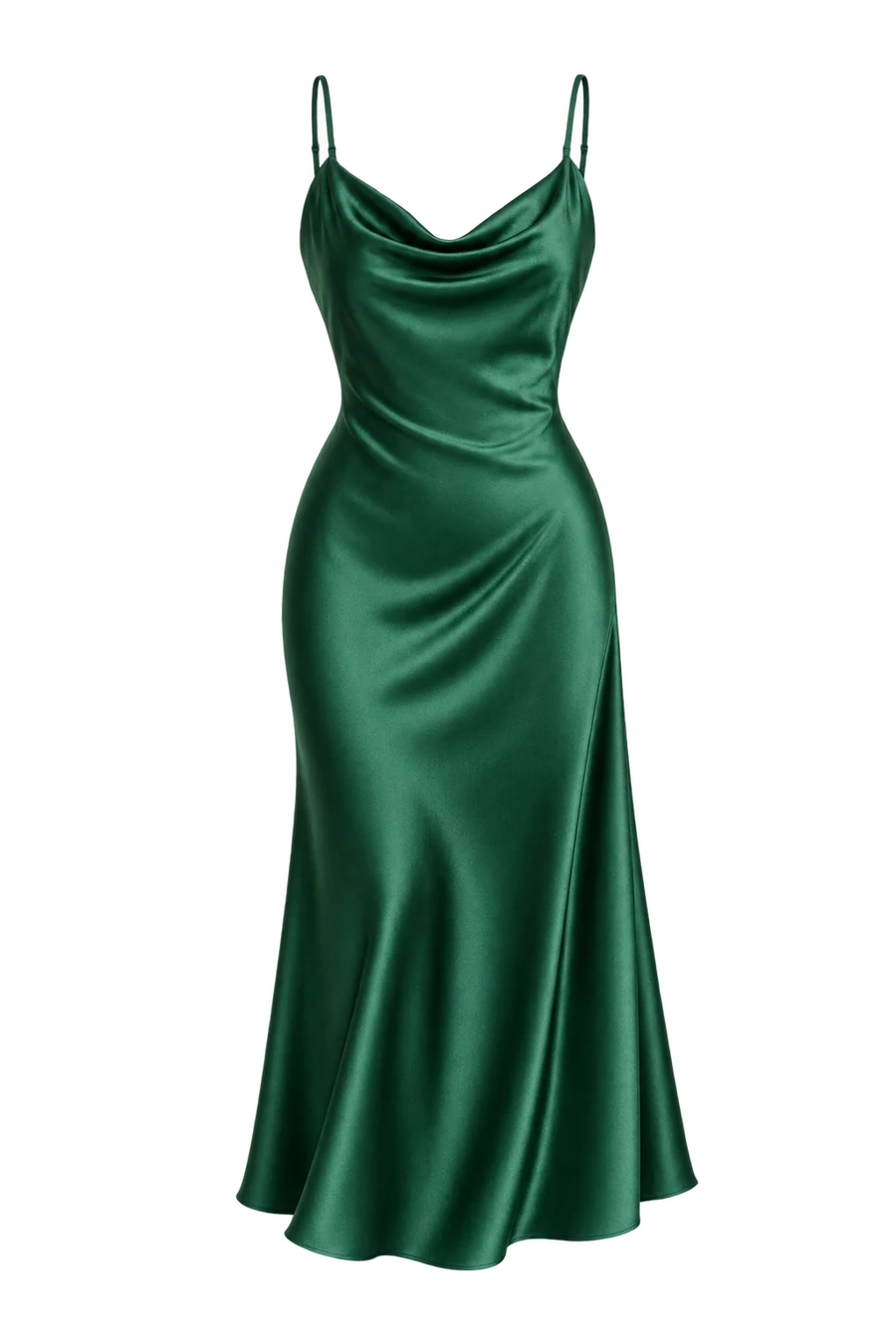
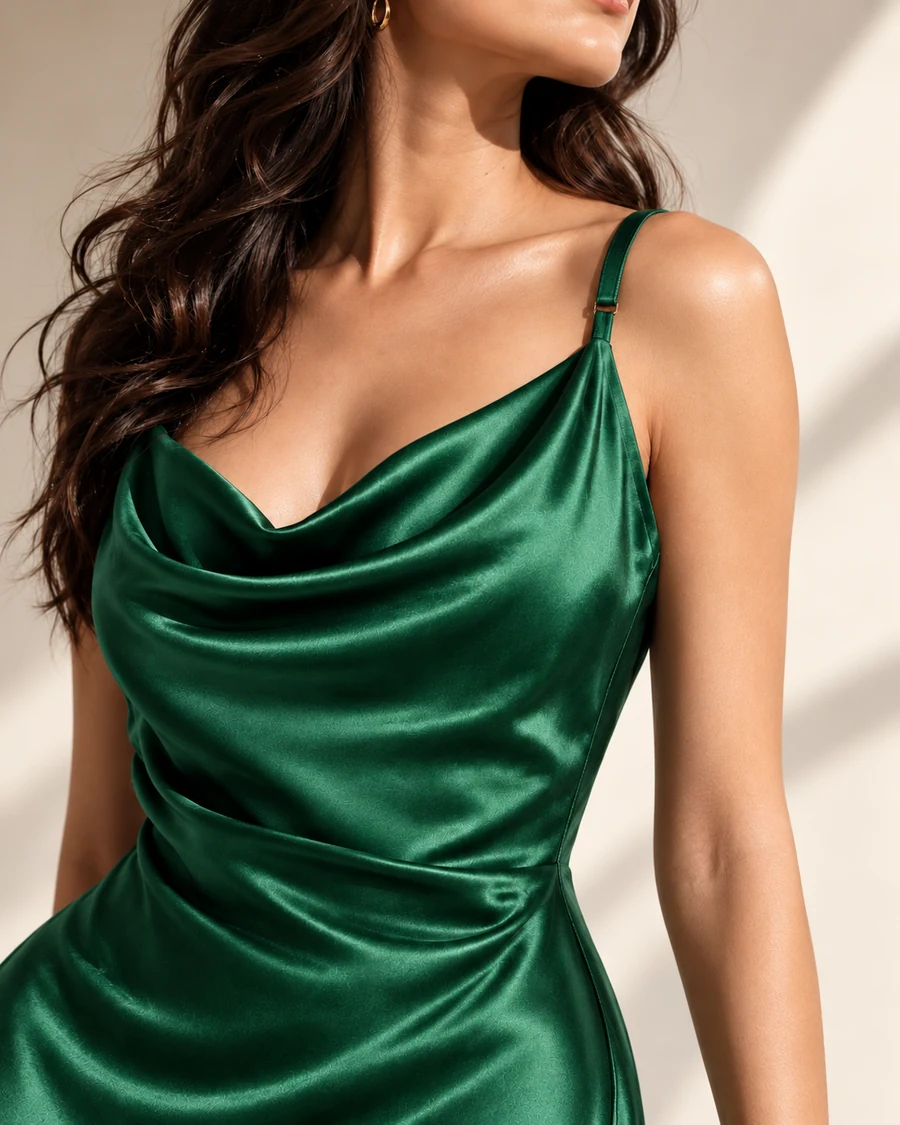
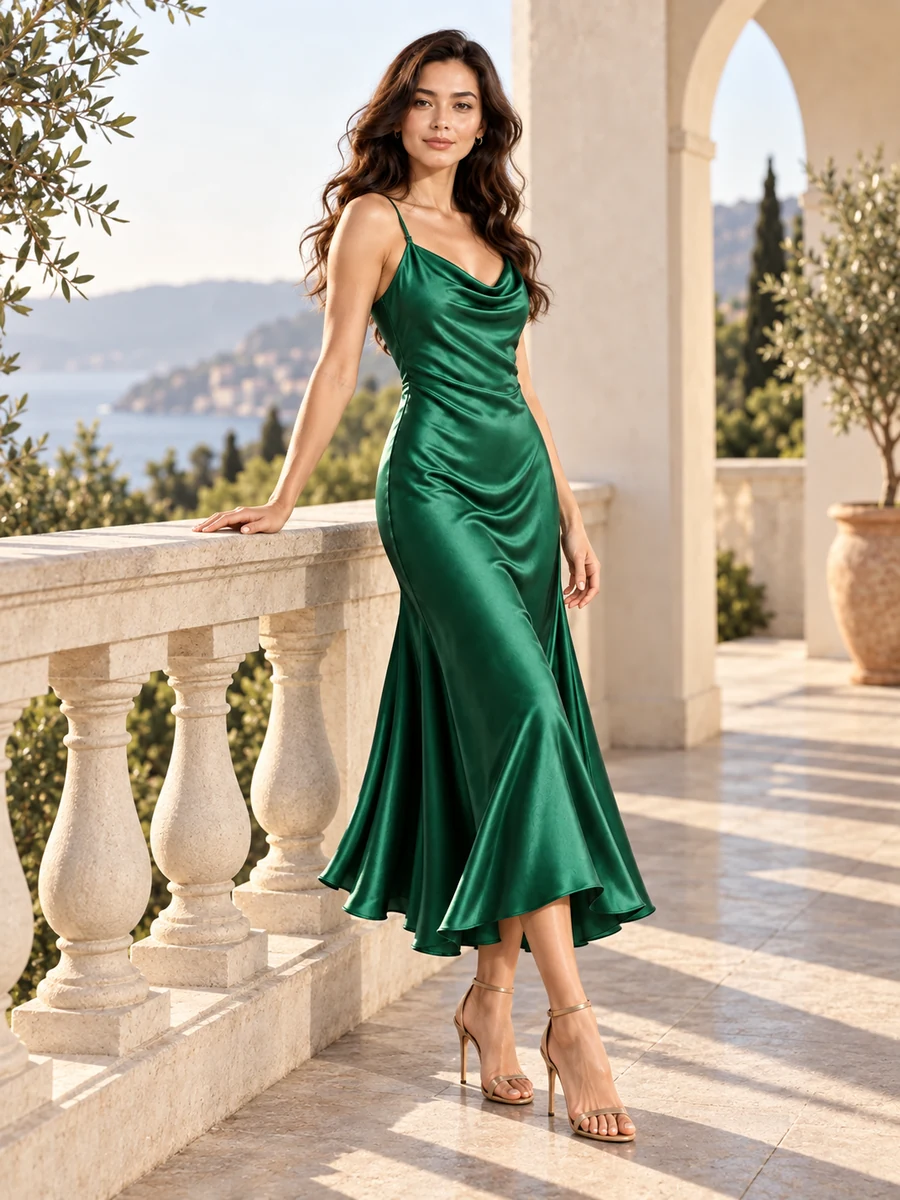
Satin · EmeraldProduct identity preserved ✓
 AdedgeAdedge
ADVERTISING + PHOTOGRAPHY
From your first product photo to your next big launch. A creative workspace for brands, photographers and the people behind every campaign.
Your products. Real models. Virtual possibilities.
A product. A person. A starting point.
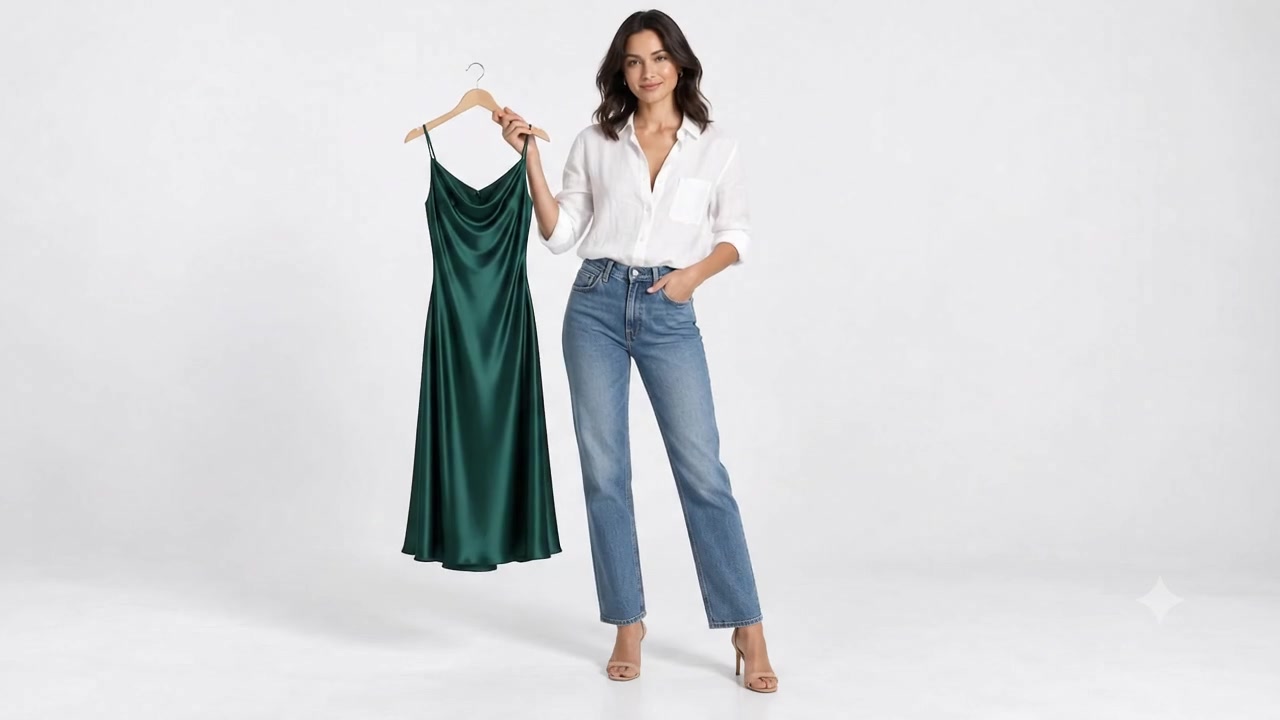
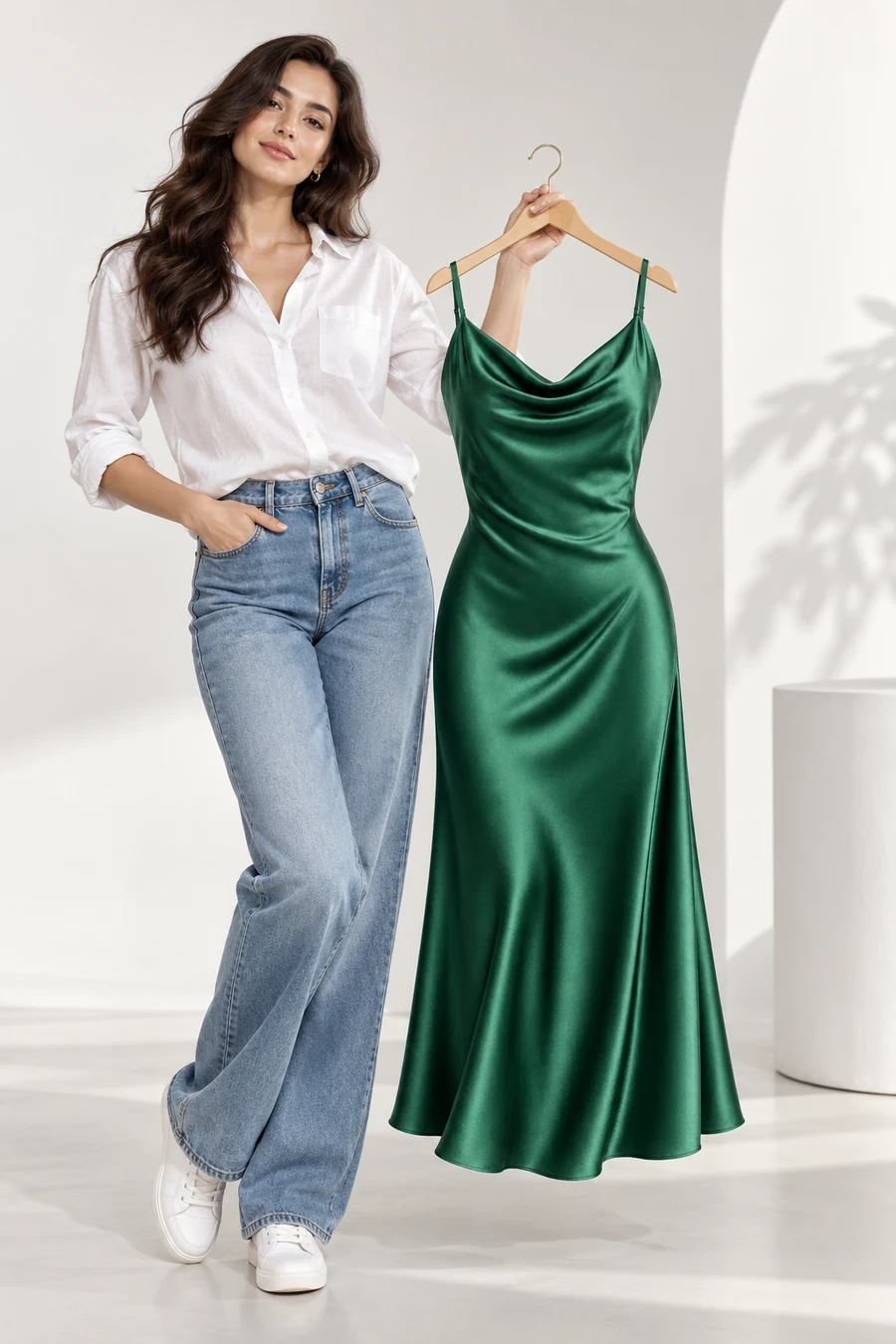
Illustrative concept filmA fashion concept film: a model holds an emerald dress, the fabric fills the frame, then she appears wearing it. Scroll to explore the transformation or choose Watch Demo. This supplied concept film illustrates a creative direction; it is not a live Adedge generation.
THE TRANSFORMATION IS JUST THE BEGINNING
Photography that brings it to life.
Advertising that takes it further.
Find your direction in Adedge.
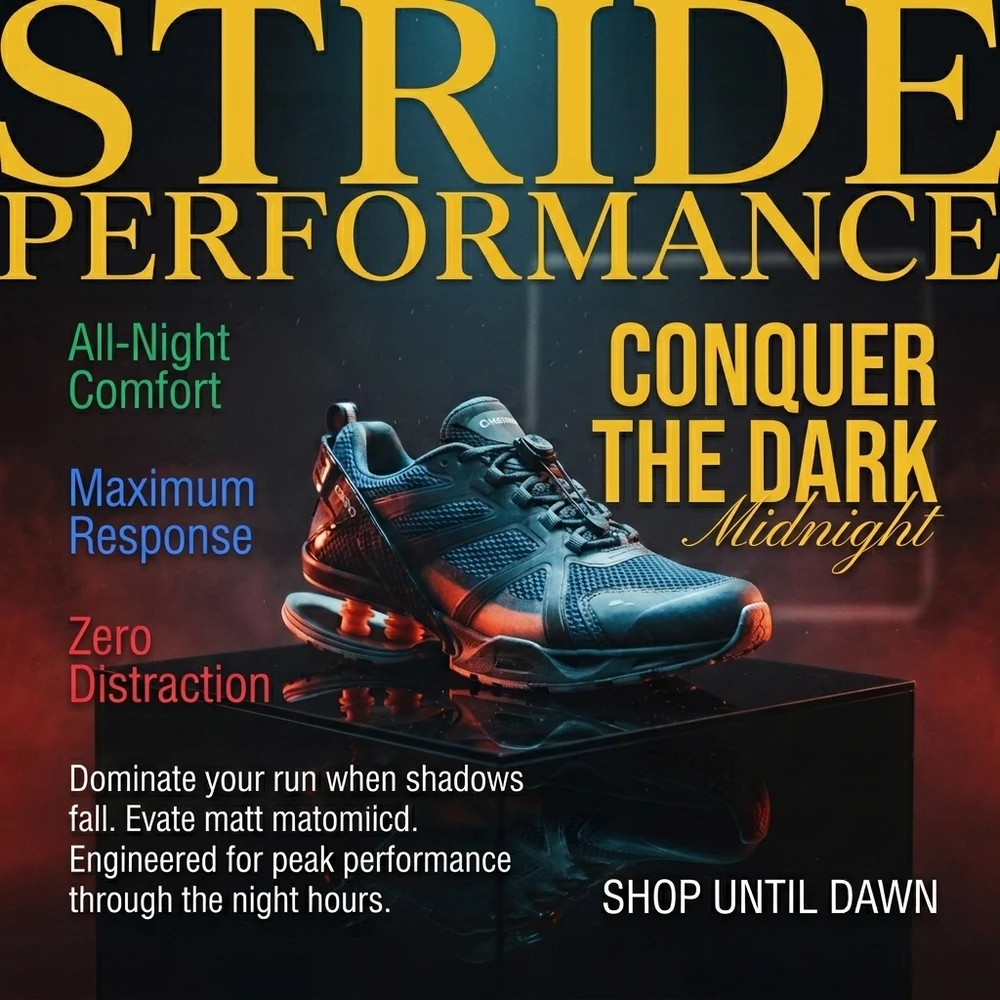
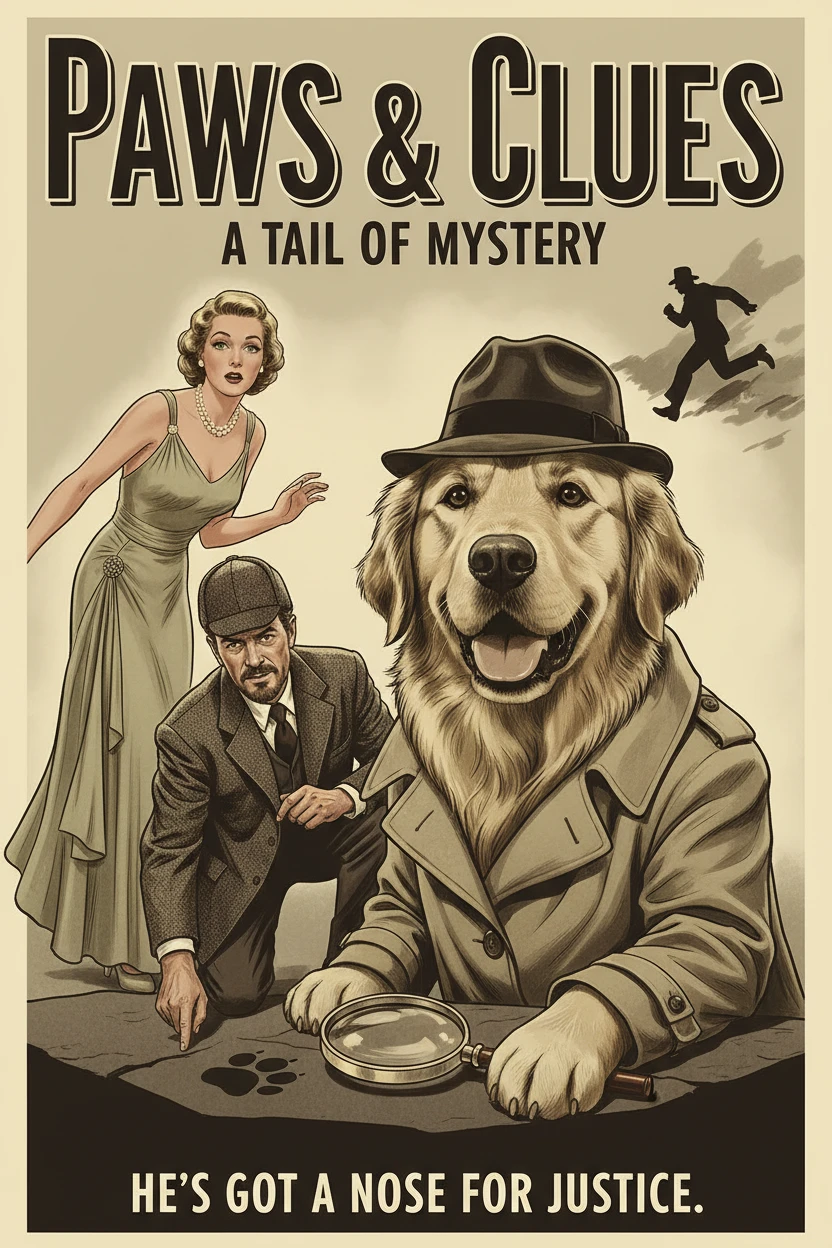
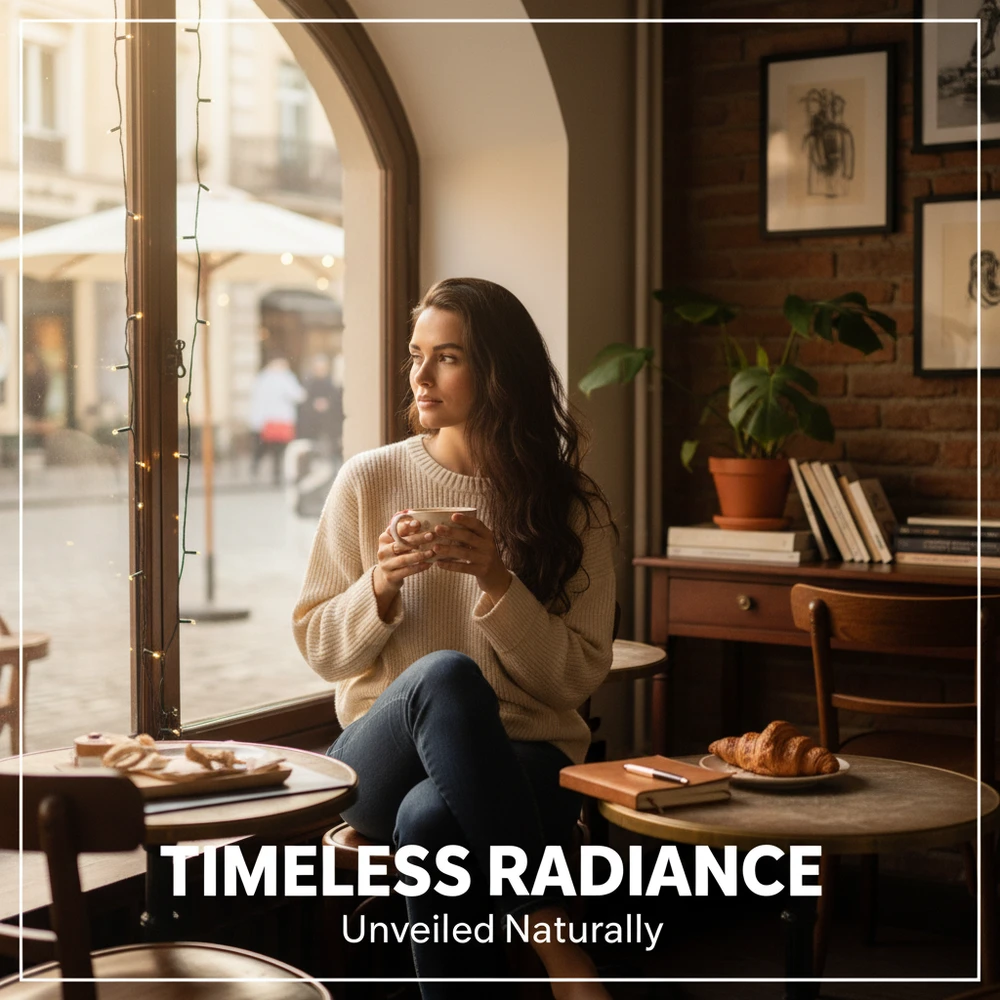
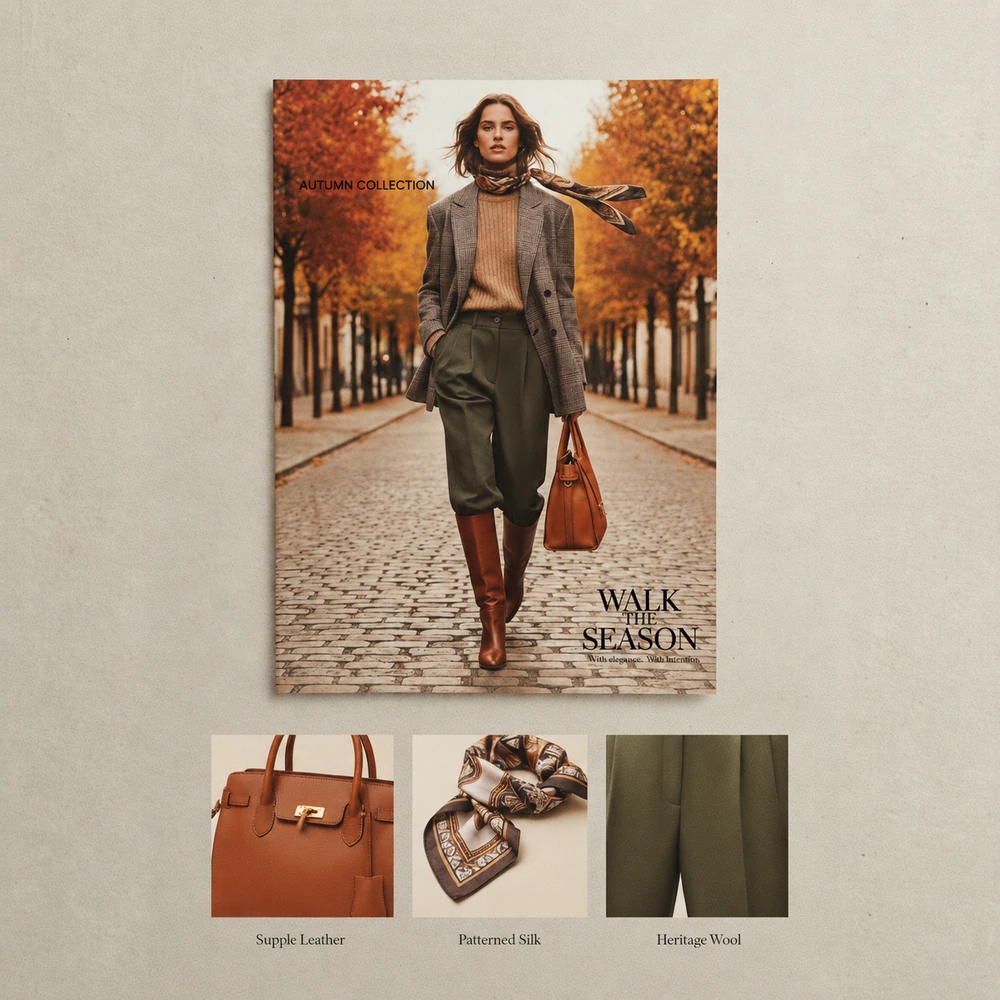
Selected Adedge creative examples · Campaign and editorial concepts.
Advertising Photography Catalogs Design Film
HOW ADEDGE WORKS
From the first reference to the final campaign. Every step, connected.
Start with what makes
your product yours.
You choose the direction.
The brief comes to life.
One product.
A whole campaign of possibilities.
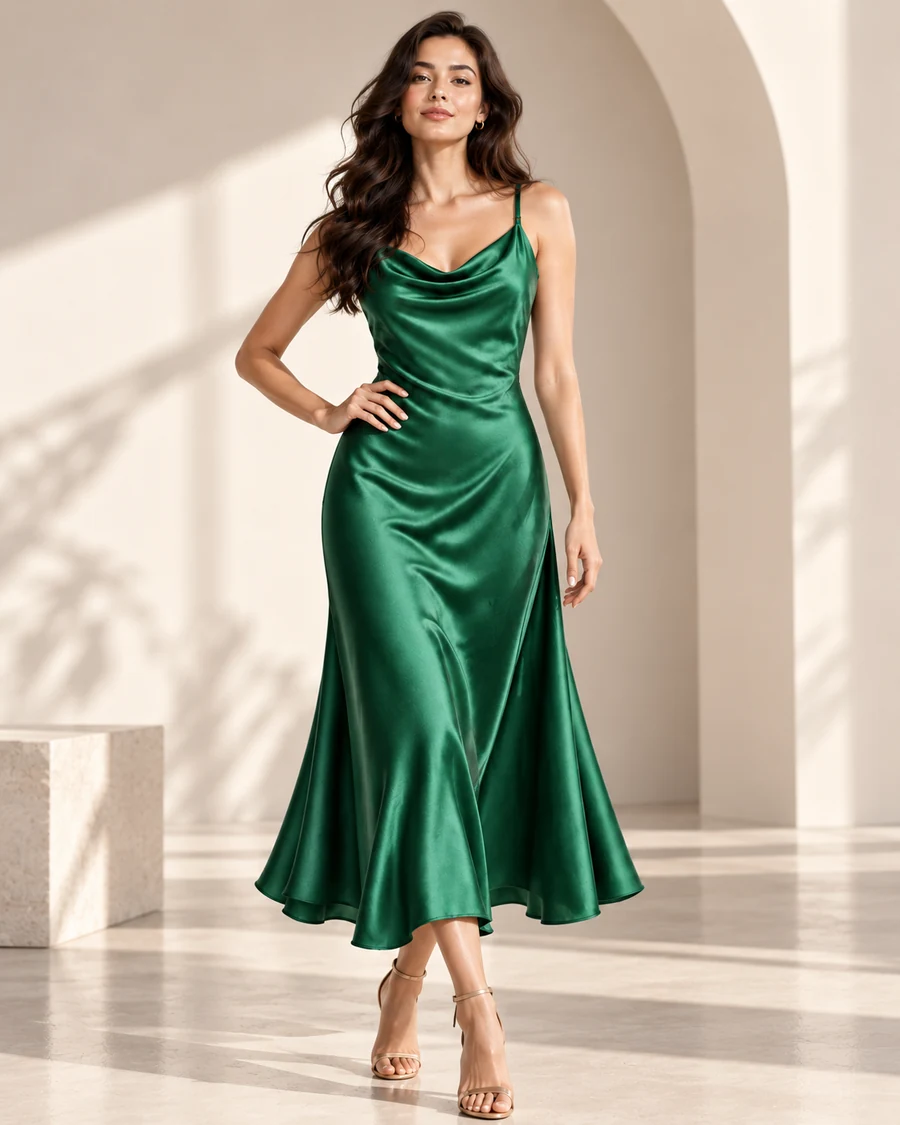
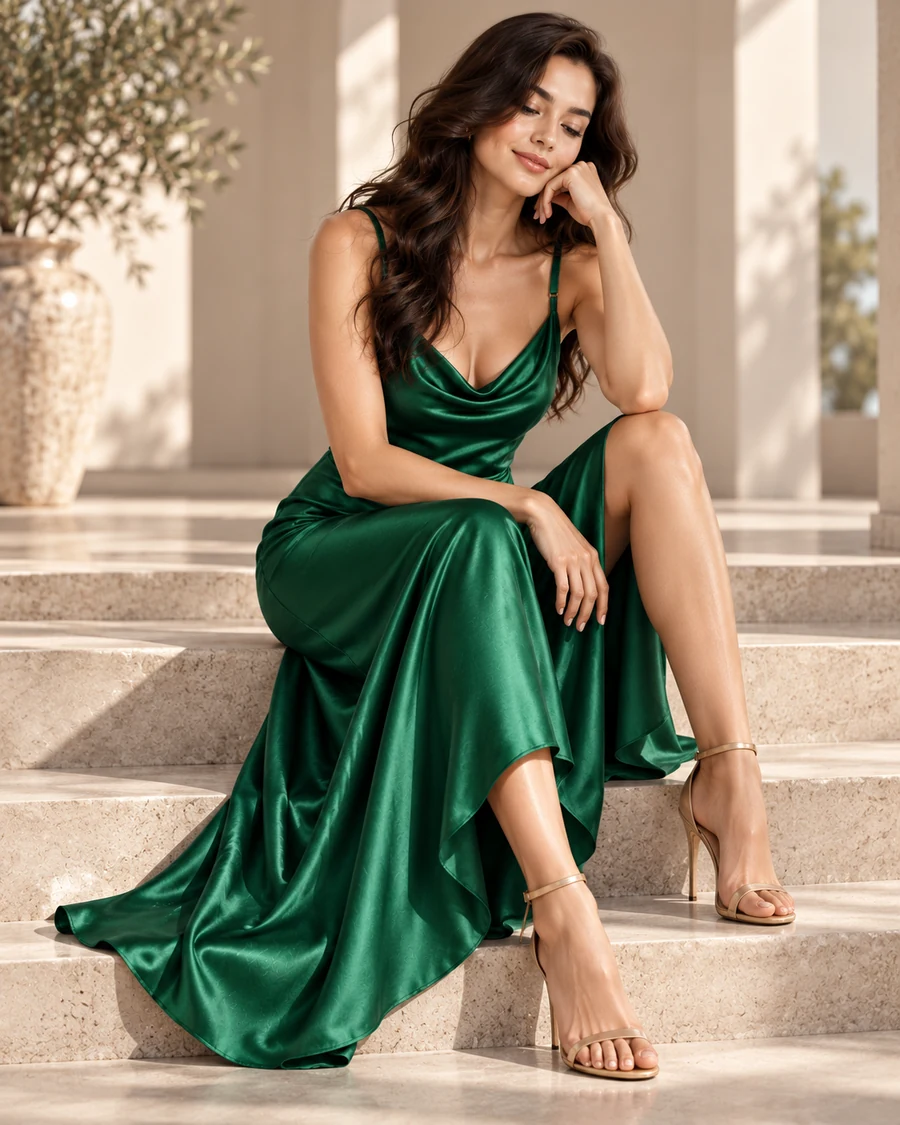
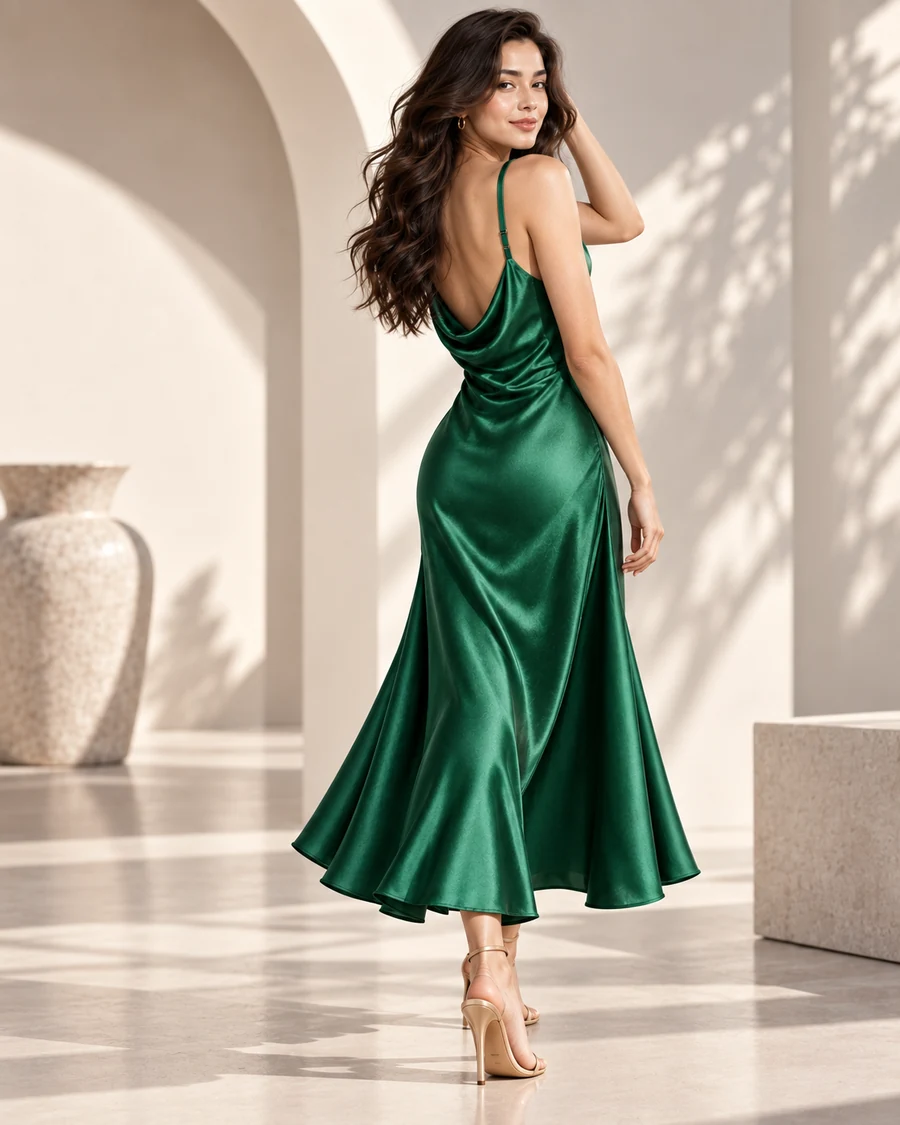
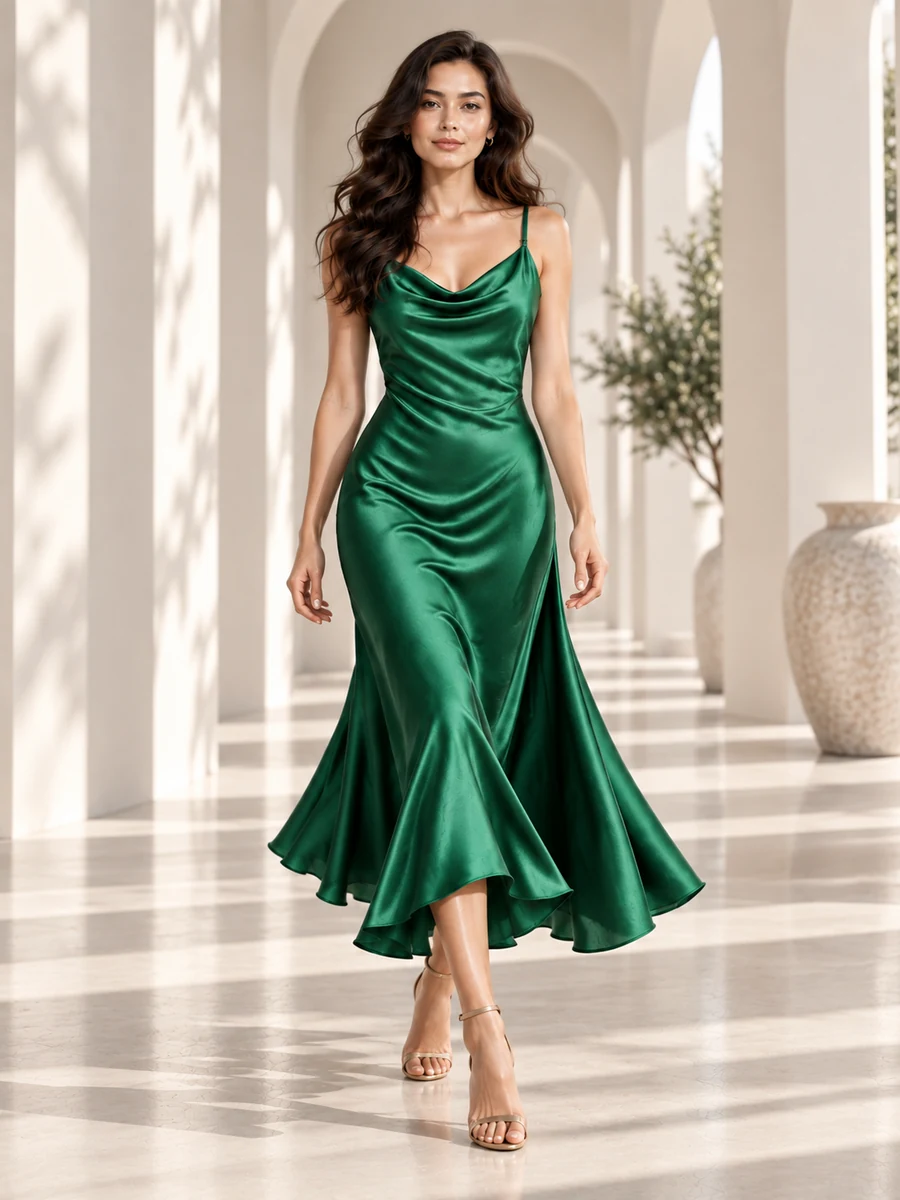
Keep the product.
Change the world around it.
One campaign.
Everywhere your brand belongs.
FOR BRANDS WITH MORE TO CREATE
A product photograph. A visual reference. A rough brief. Bring your starting point and shape a direction for your brand.
01 / PRODUCT
Bring a product photograph or garment reference. Use its shape, colour and details to guide your next shoot or campaign.
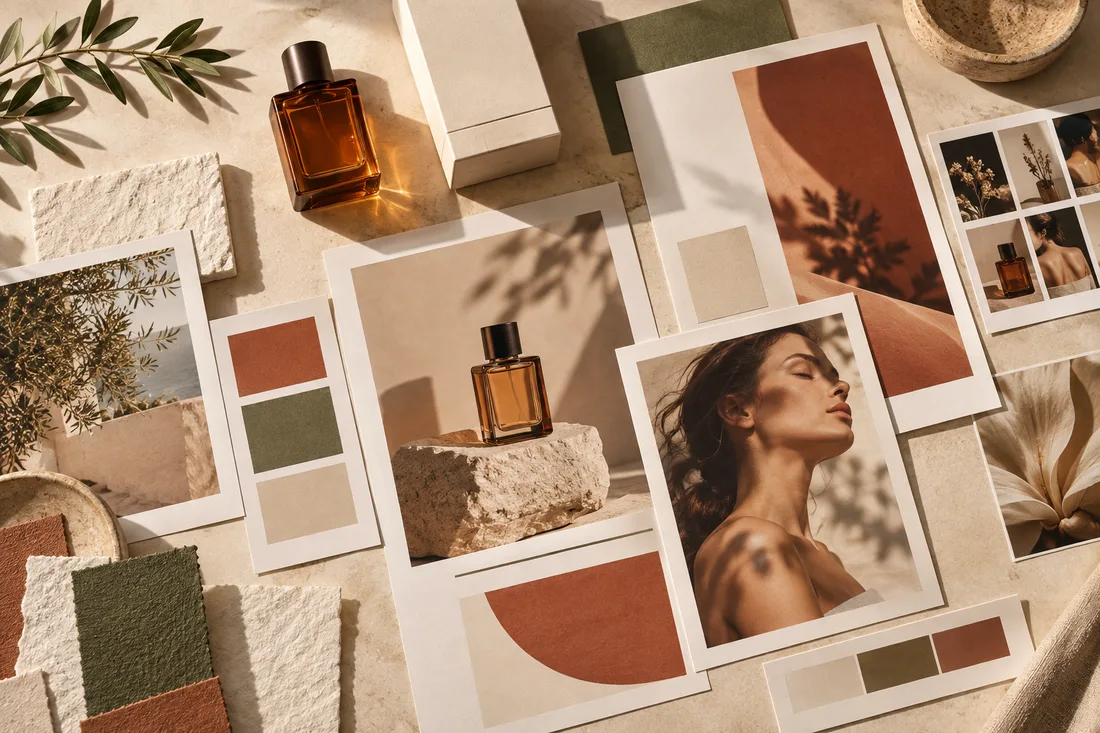
02 / REFERENCE
Bring a moodboard, a lighting reference or a look you love. Give your creative direction a visual starting point.
03 / BRIEF
Describe the audience, the occasion and what you want to make. A launch, a listing or a new brand story can be your starting point.
THE ADEDGE CREATIVE WORKSPACE
Advertising, photography, design and film. Four creative areas in Adedge, with a shared campaign journey in development.
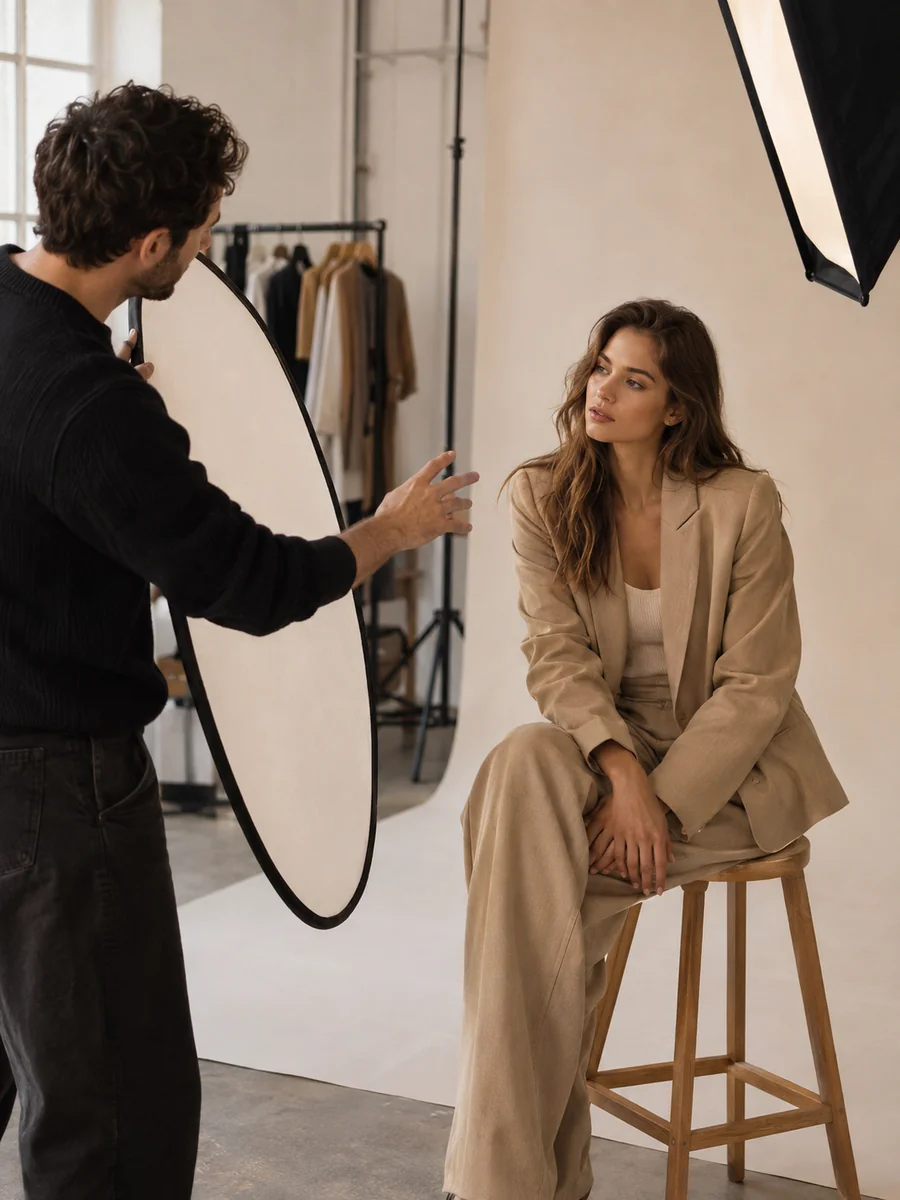
Fashion, product, portrait and editorial imagery. Start from your own shoot, explore virtual talent or build product images in Catalog Studio.
Start creatingPlan product ads, e-commerce creatives, launch visuals and social campaigns. Use Create and Catalog Studio for imagery, and Design Guru for the layout.
Start creating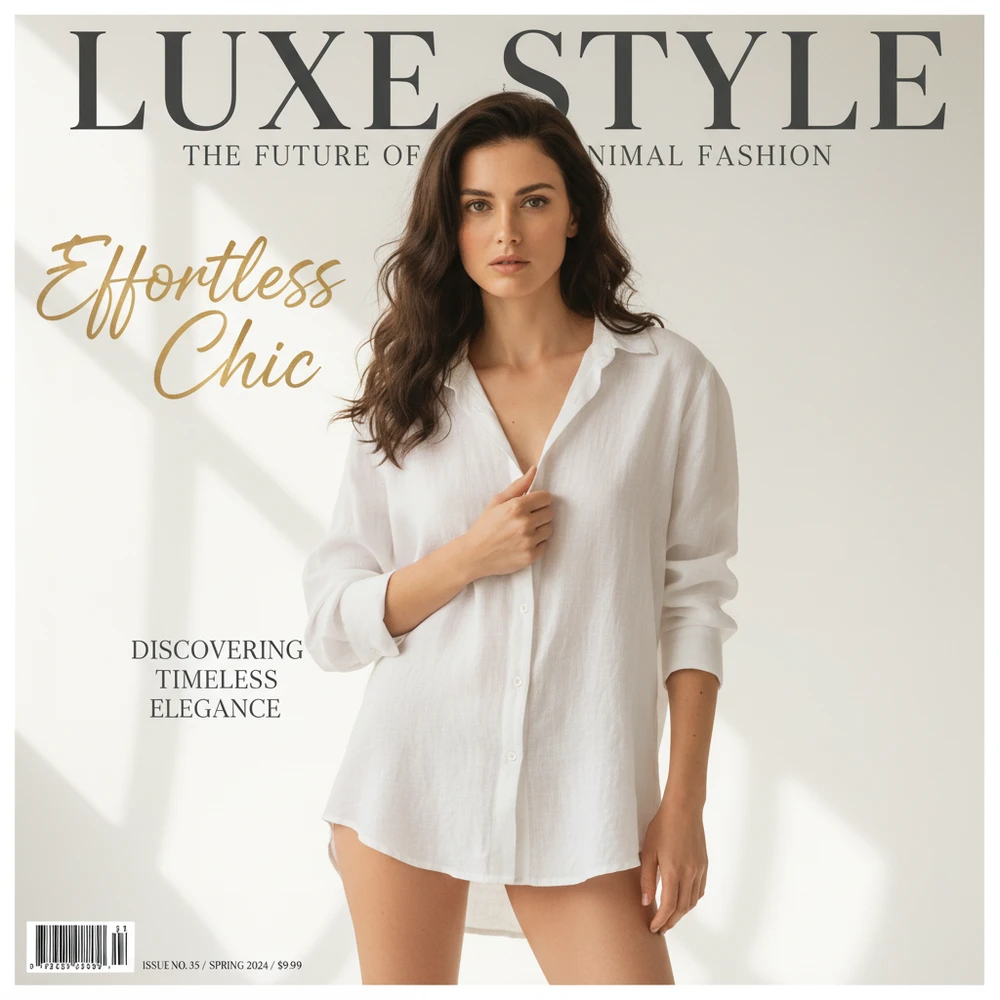
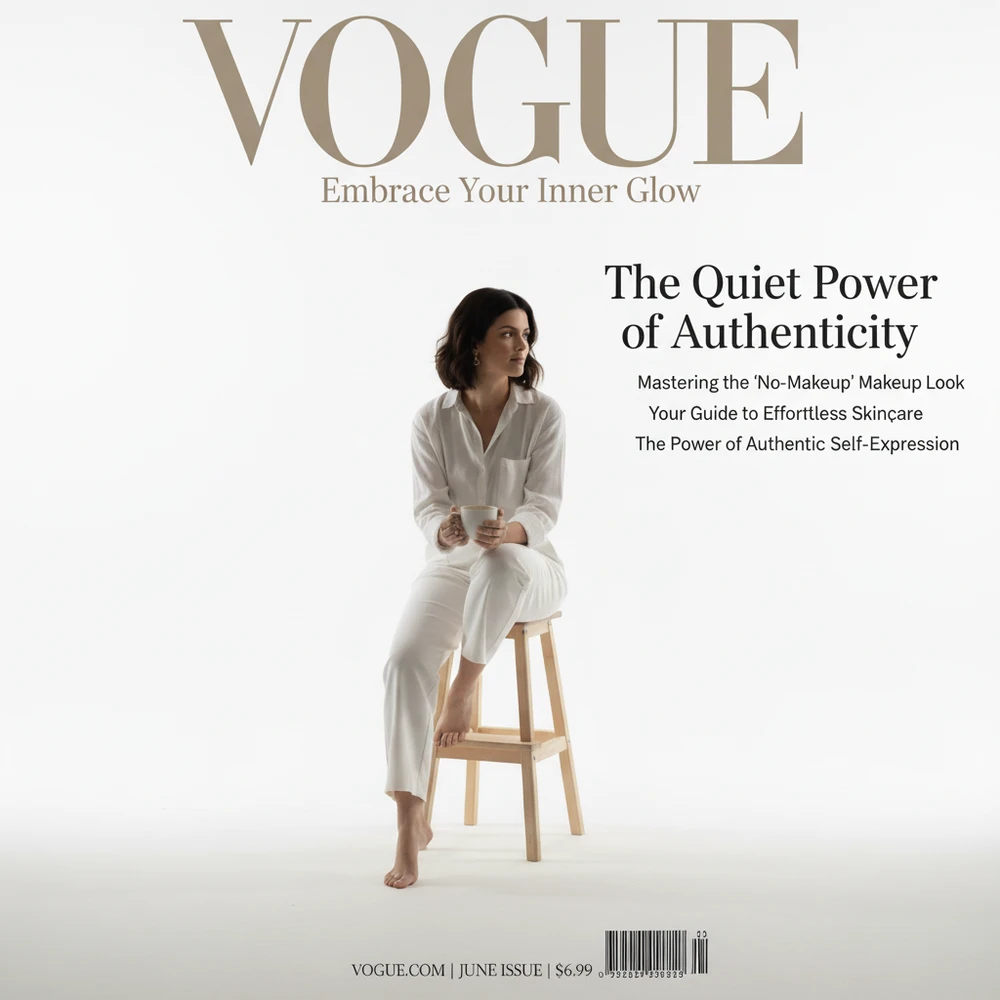
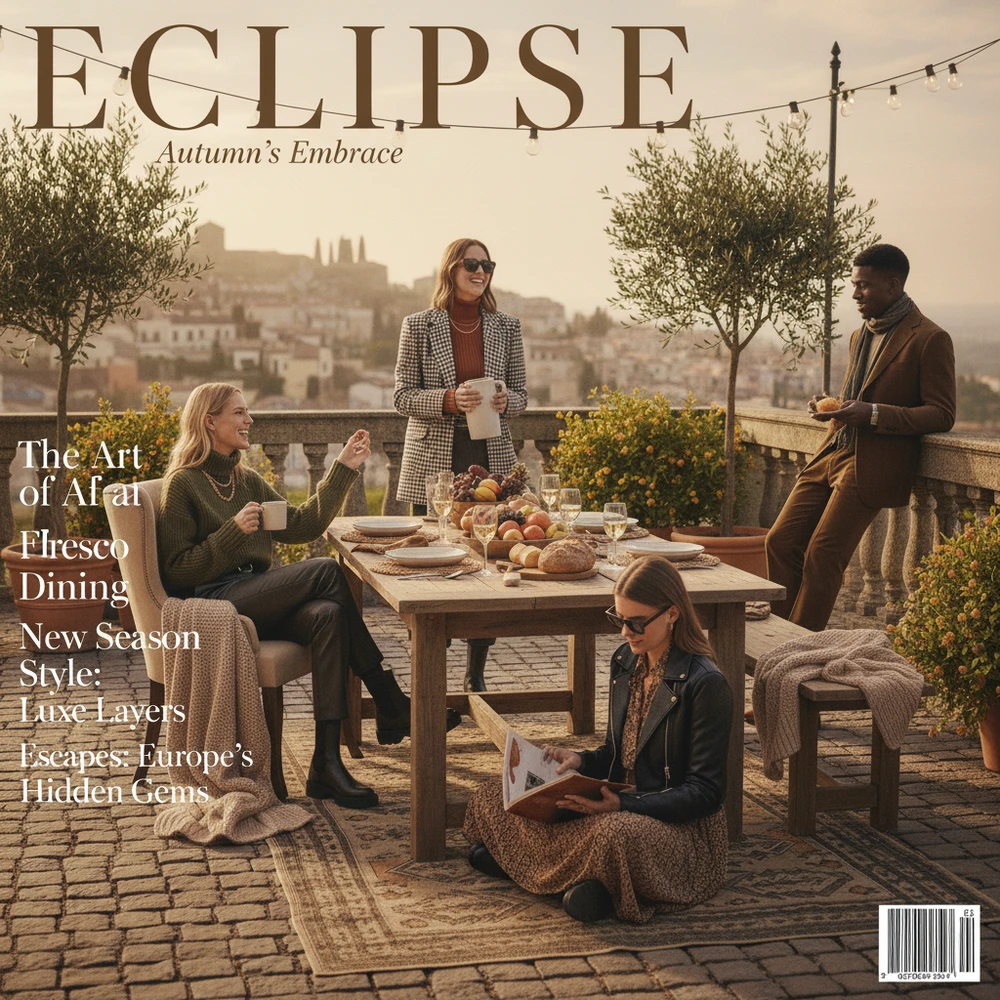
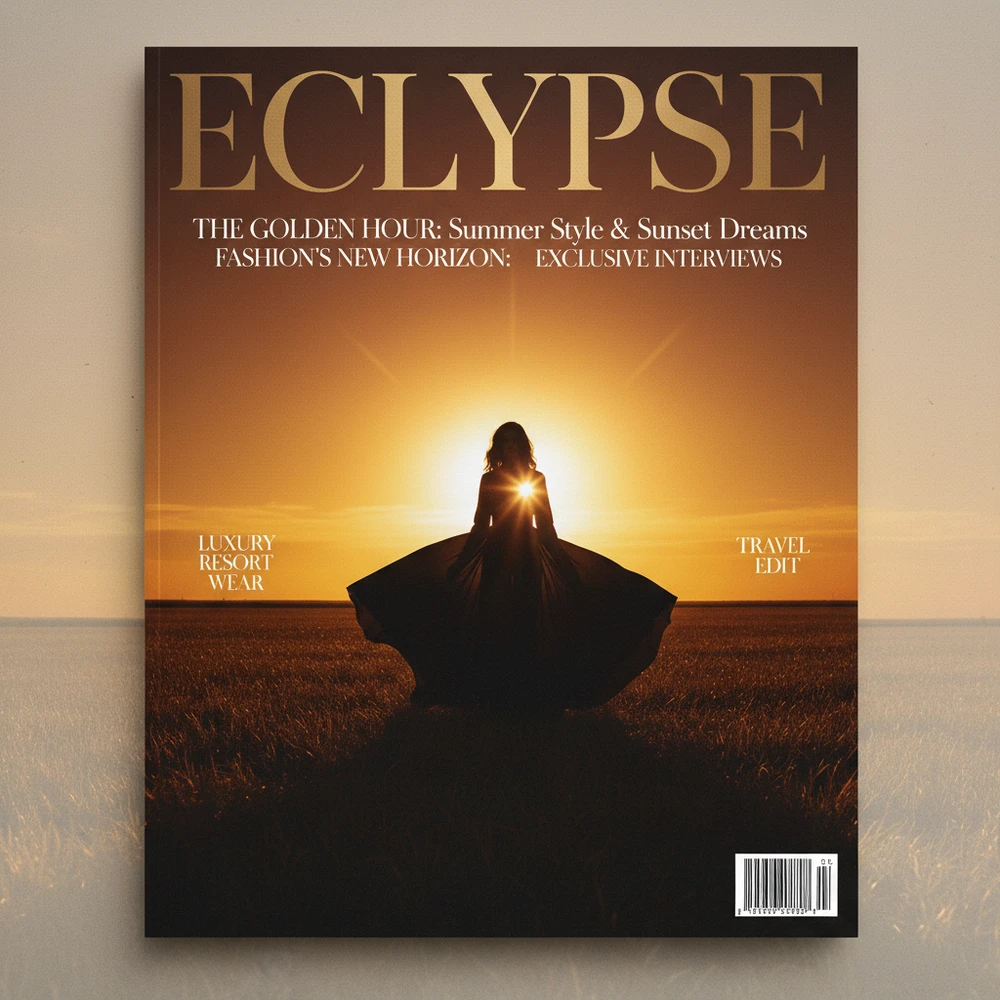
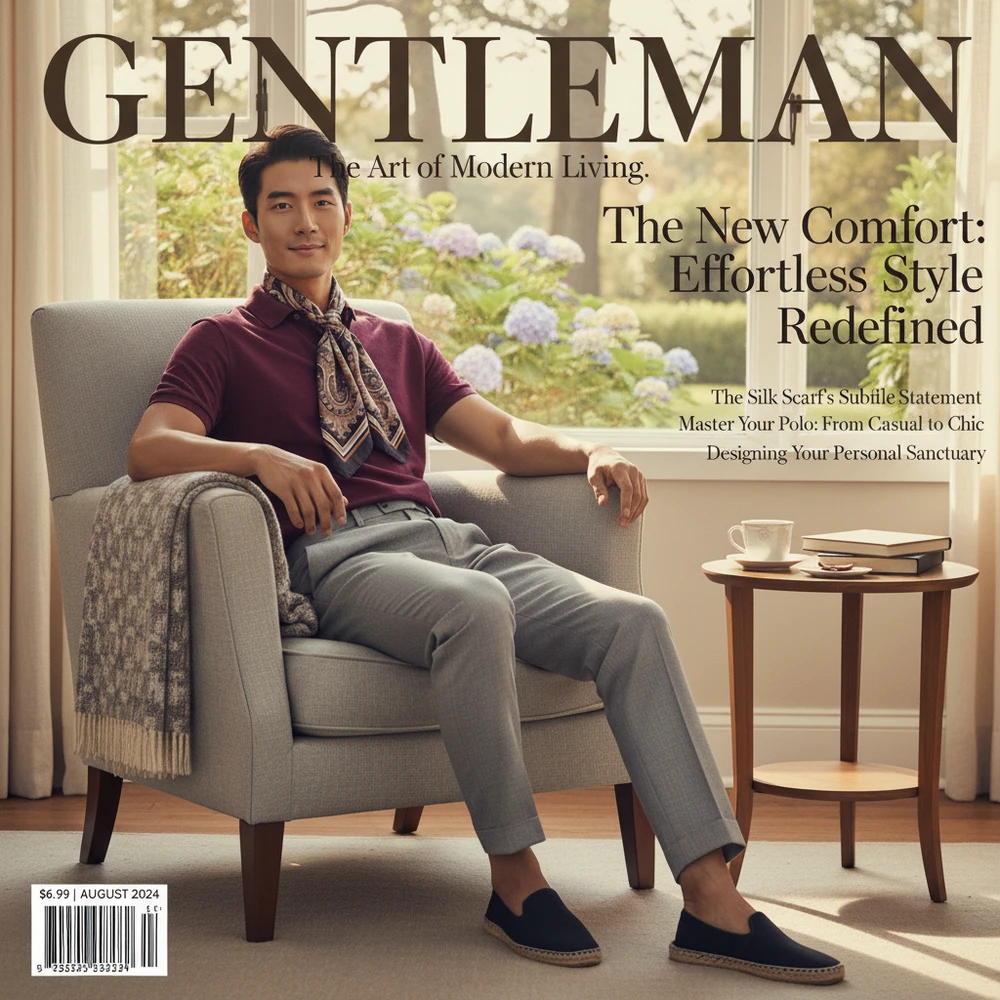
Use Design Guru for posters, ad layouts, typography and campaign design. Bring your imagery, copy and brand references into the composition.
Start creatingDevelop concepts, storyboards and scenes in Film Studio. Choose Autopilot or Creative Control; the complete finished-film workflow is still being developed.
Start creatingTHE NEXT CHAPTER · IN DEVELOPMENT
Tell the Adedge Agent what you’re trying to make. Our next chapter connects the brief, product references and creative decisions in one project, coordinating work across advertising, photography, design and film.
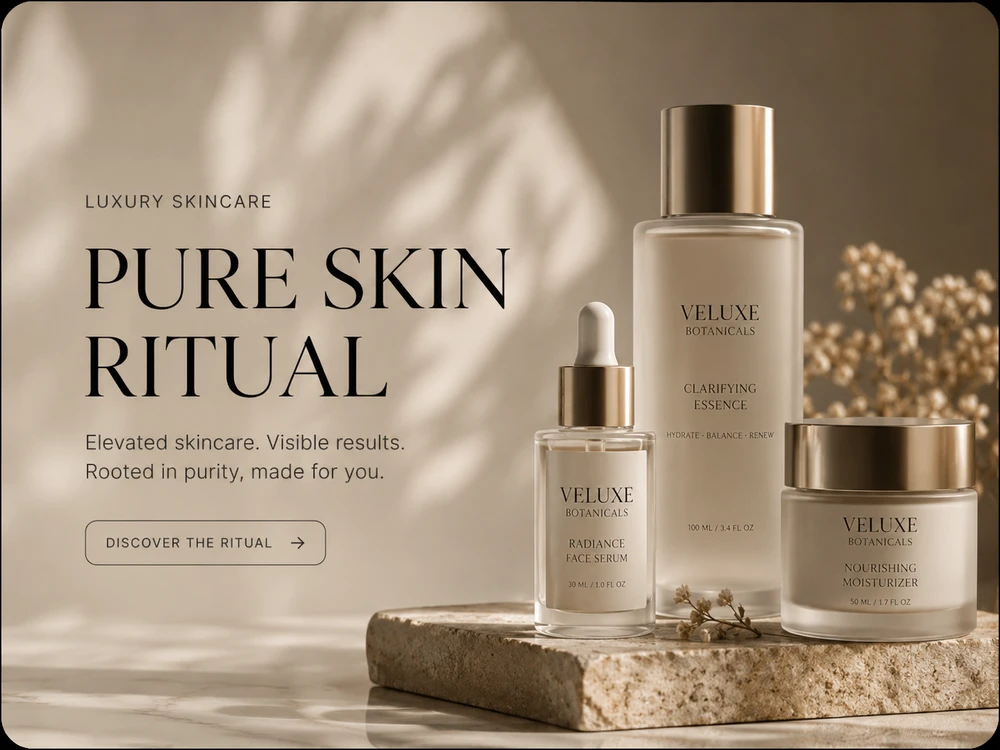
A botanical mood. One product story.
Let’s plan the imagery and campaign design.
PHOTOGRAPHY WITH YOUR SUBJECT AT THE CENTER
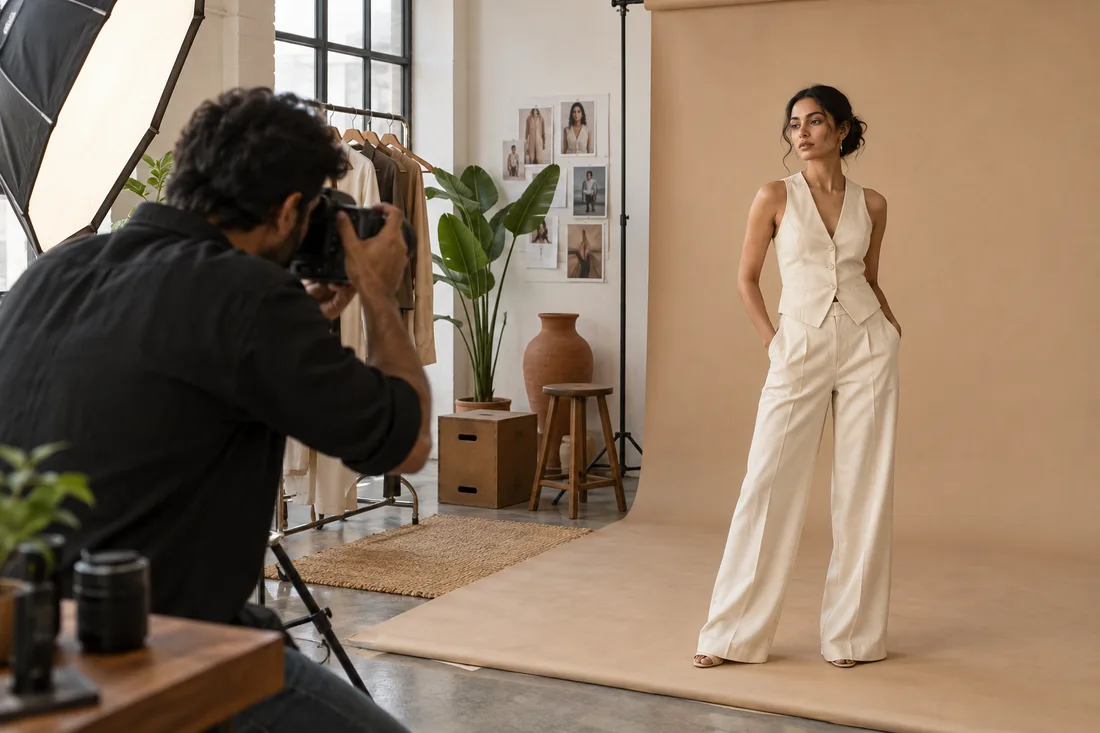
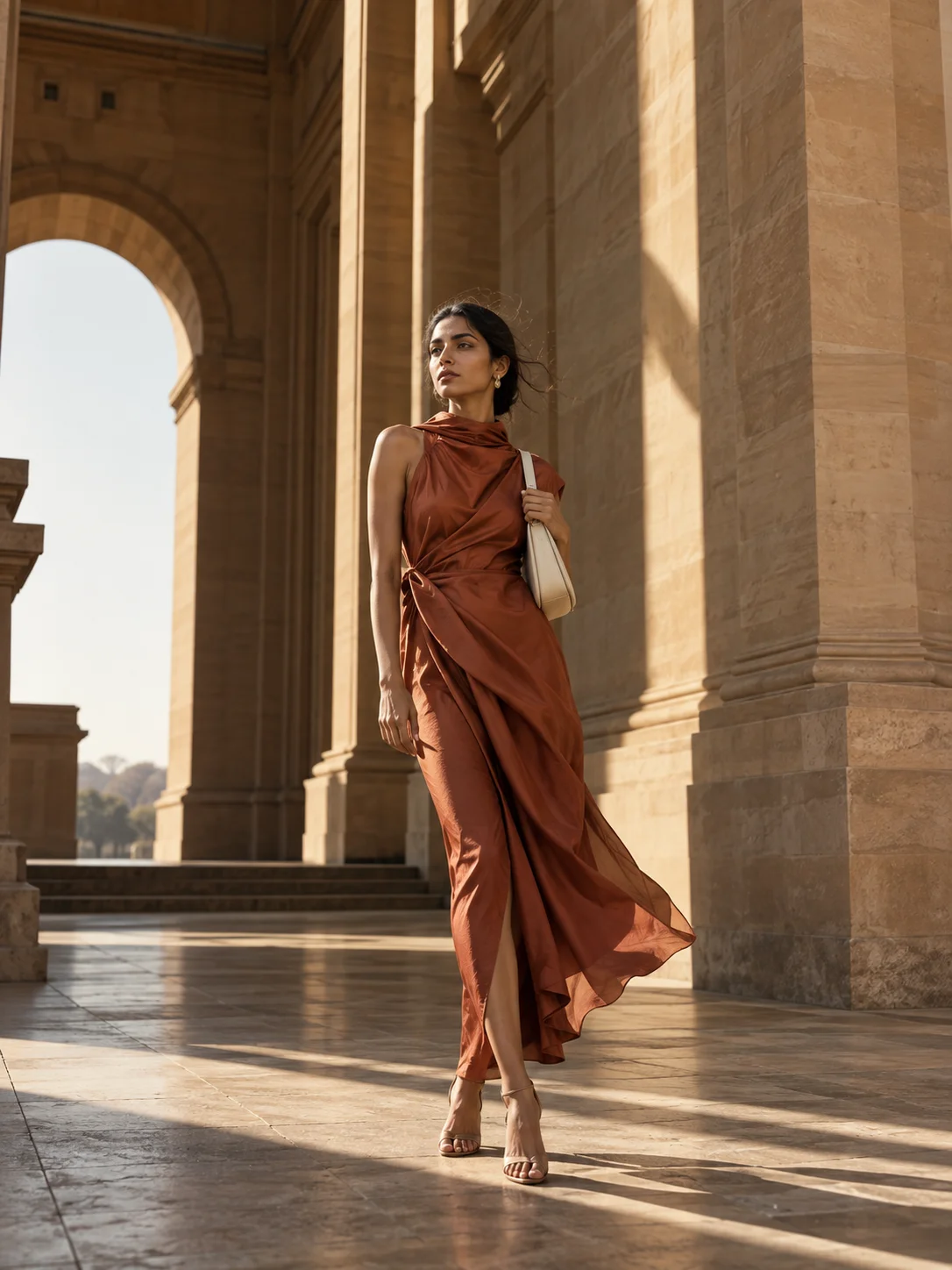
Bring your own model photos or explore virtual talent, styling and backgrounds for fashion imagery—with product details guiding your choices.
THE STUDIO, REIMAGINED
The first result is a starting point.
Review the details. Keep directing the work.
Start with guided choices in Create, or Autopilot in Film Studio. A fully connected, one-brief campaign is our next chapter.
Choose the available model, look, composition and background controls. Review the result, then refine your direction.
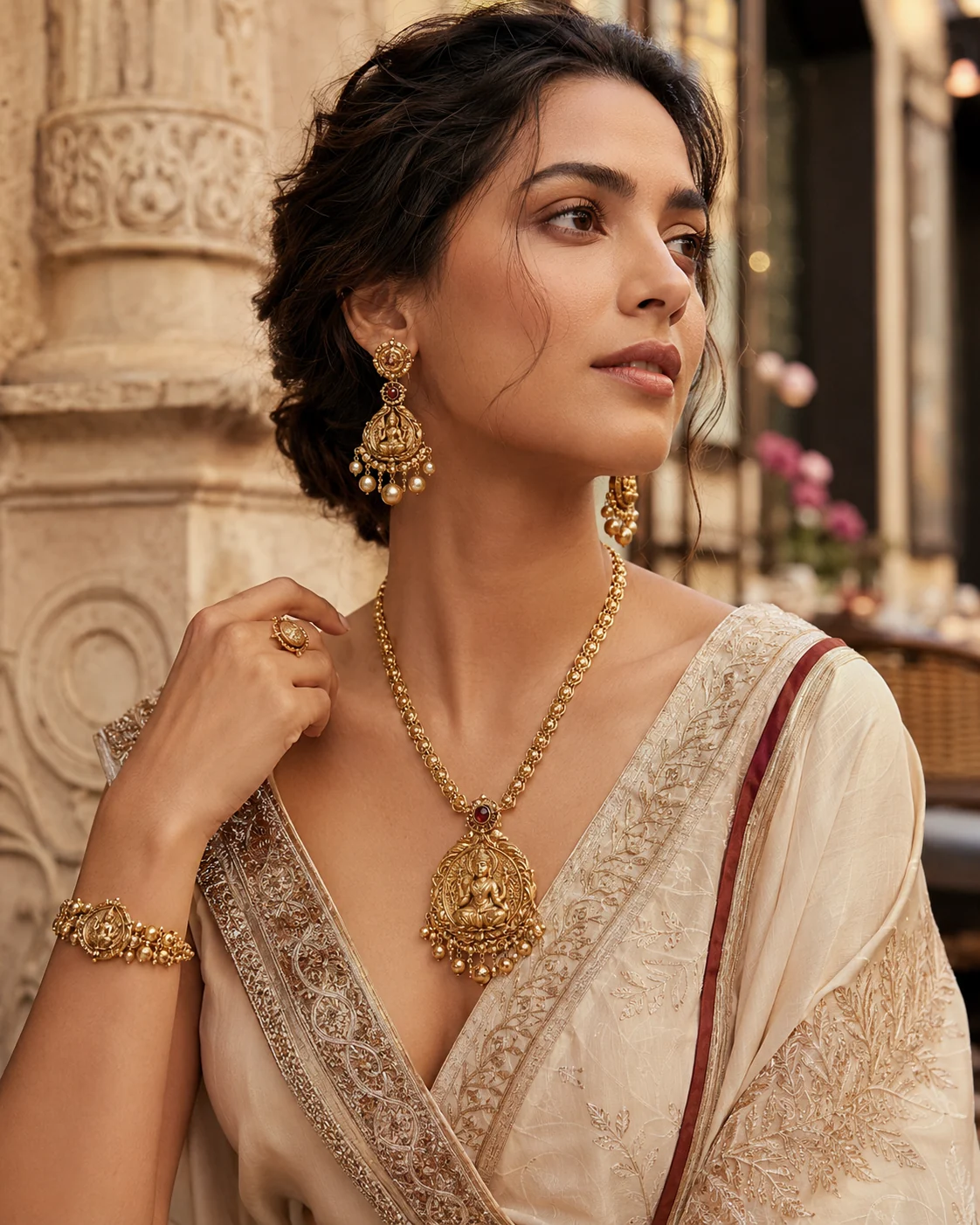 Product photographyAI-generated concept
INTERACTIVE EXPERIENCE PREVIEW
Pick a starting direction.
Then make it your own.
Intricate gold, delicate pearls and warm natural light. Give your product a setting that draws attention to the craft.
“Make it warmer.” “Keep the product unchanged.” “Try a different background.”
Explore AI product photography, fashion imagery and campaign design with Adedge—your creative workspace for brands and creators.
A NEW WAY TO SEE YOUR WORK
Build a visual direction for every destination. Choose the output formats available in your workspace; check size and resolution before publishing or printing.
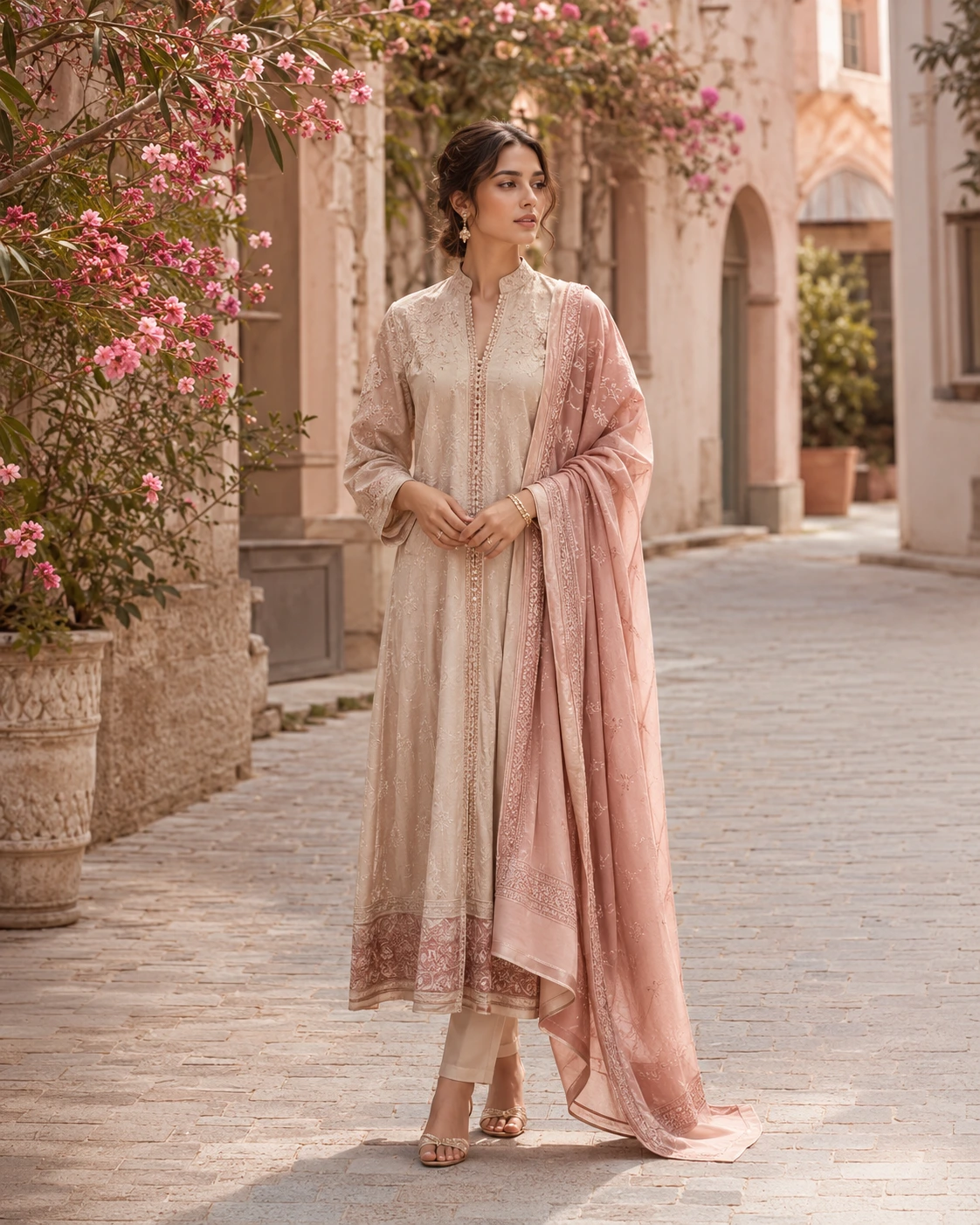 01 / FASHION
Build fashion and beauty directions using your own model photographs or virtual-model concepts.
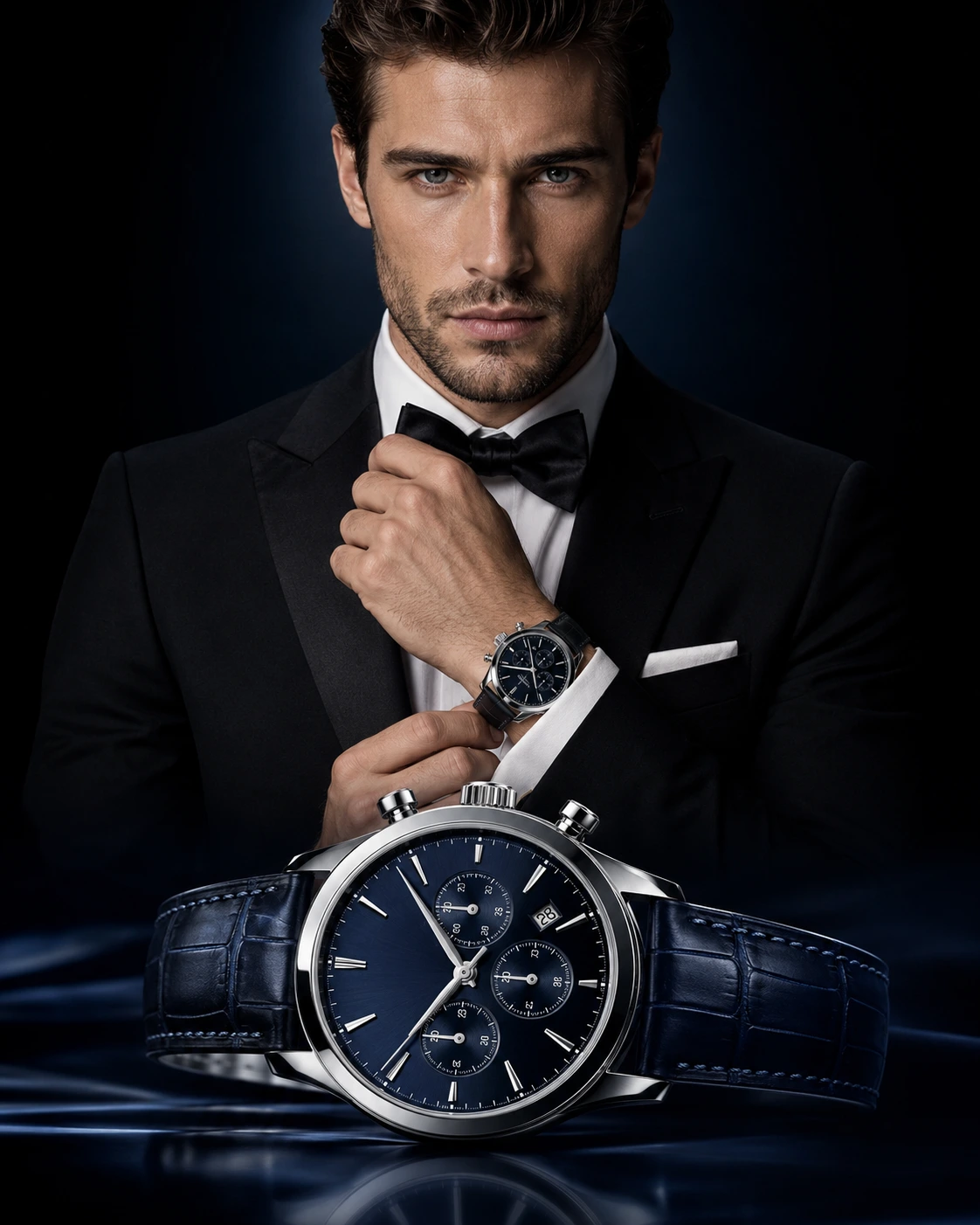 02 / PRODUCT
From skincare and perfume to jewellery and everyday products: create a direction for listings, launches and ads.
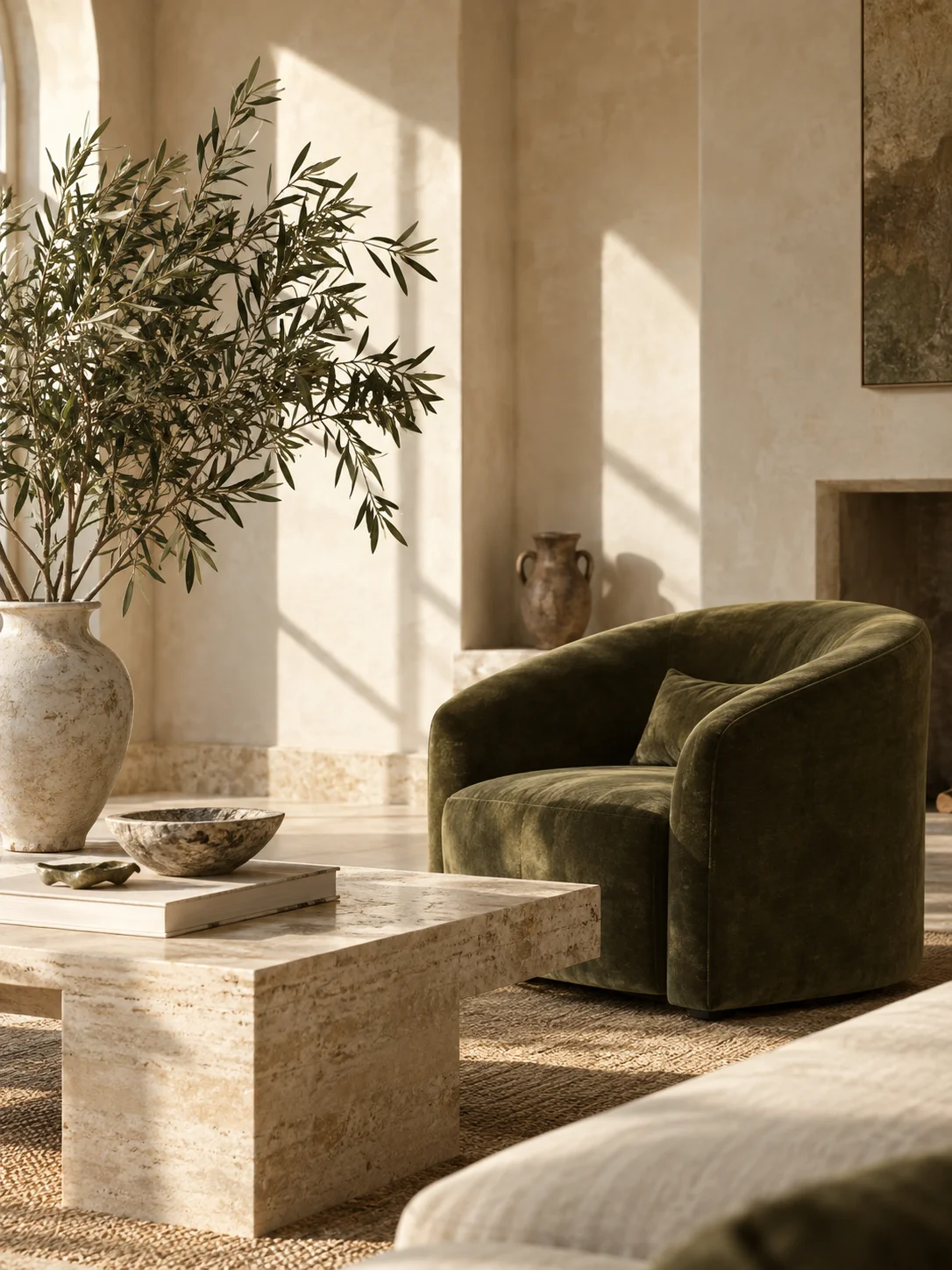 03 / SPACES
For furniture, home and décor brands: explore styled environments, light and product storytelling.
A NEW SETTING. THE SAME STARTING POINT.
Explore how light, materials and a different setting can give a furniture collection a new story.
Create your next directionHOW IT WORKS
You don’t need a blank prompt box.
You need a place to start.
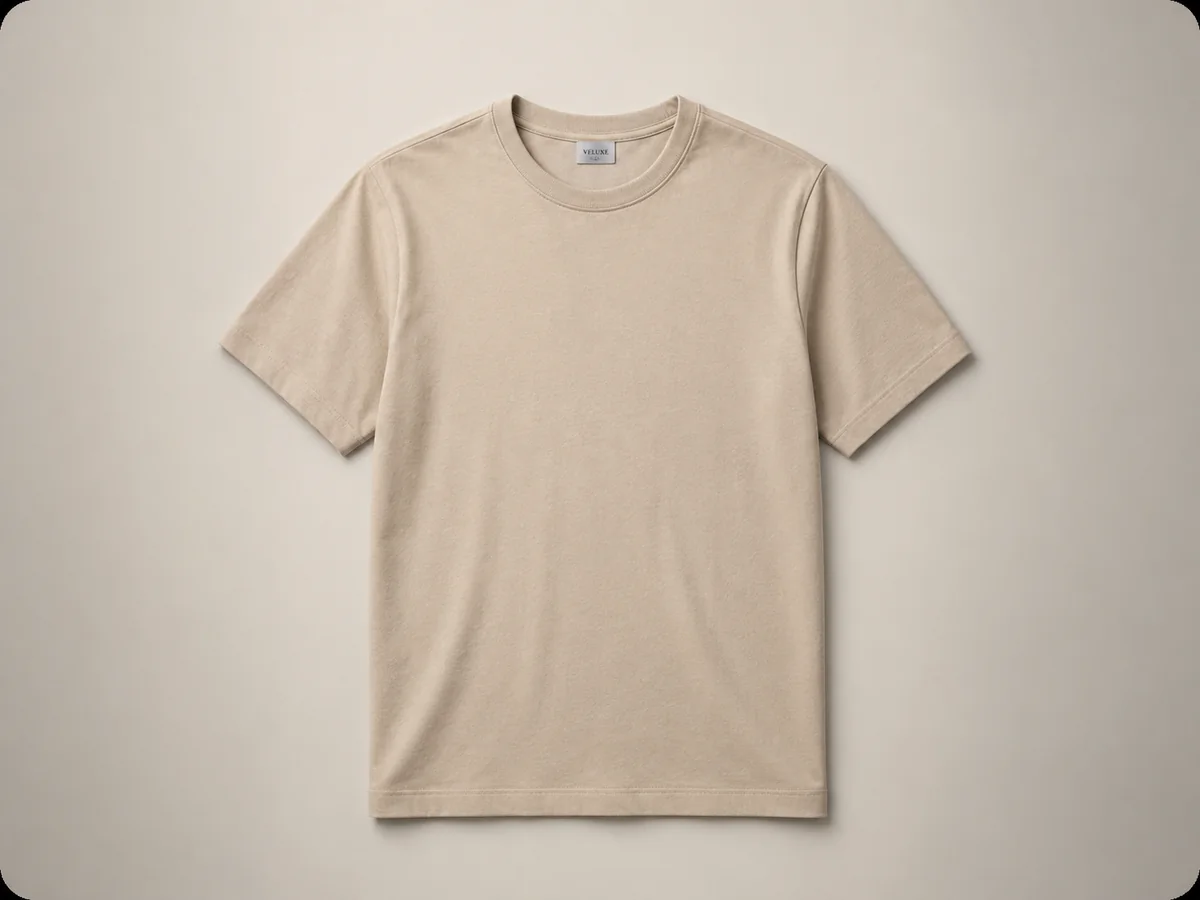
A product, a reference or a rough idea. Start with what you have.
Choose the look and the audience. Create, compare and find the direction that feels right.
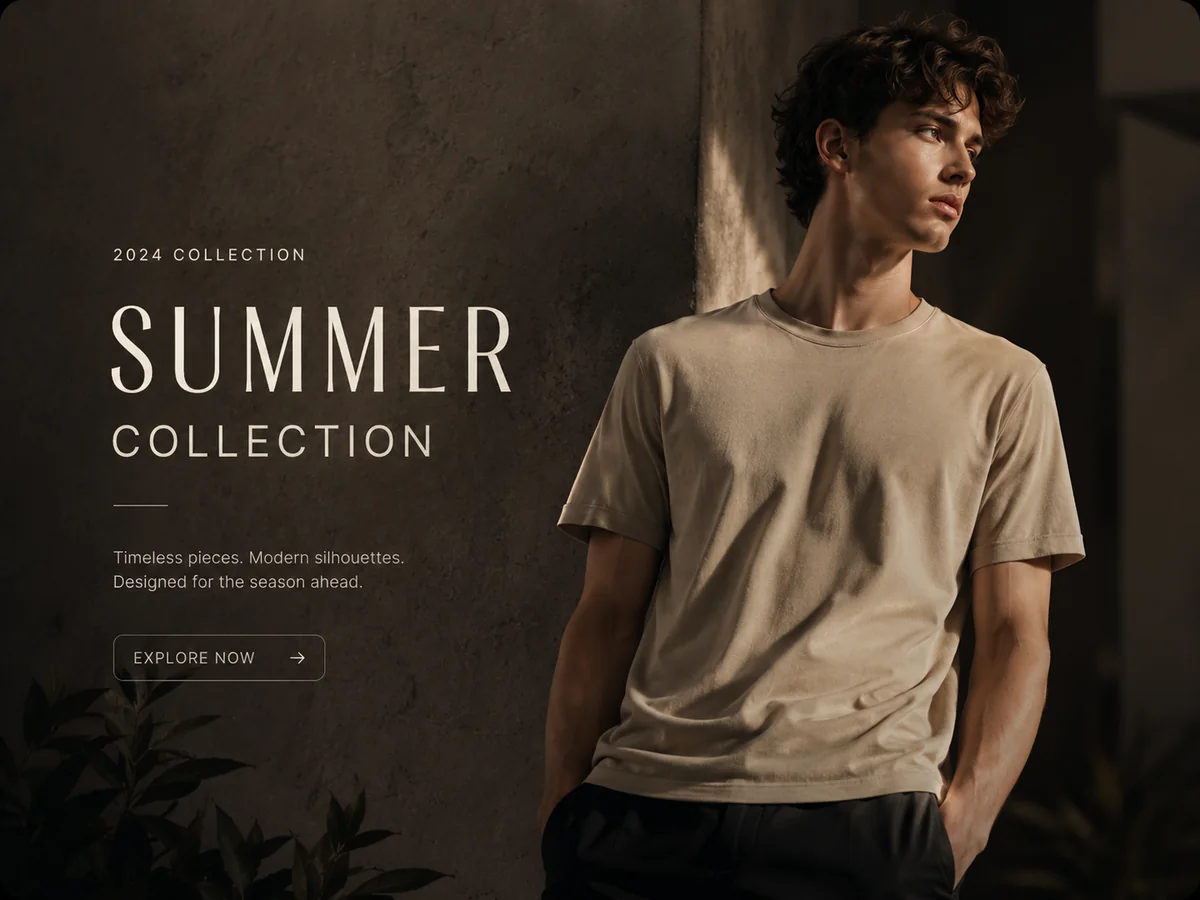
Check the details. Refine your result and download available outputs for your next campaign.
A LITTLE MORE CLARITY
 Every idea starts with a question.
Adedge is a creative workspace for advertising, photography, design and film. Bring a product, reference or brief to develop commercial imagery and campaign concepts.
Adedge is for brands, e-commerce teams, agencies, photographers and designers. Creative directions include beauty, perfume, jewellery, food, consumer products and interiors as well as fashion.
Explore product and fashion photography, catalog imagery, ad concepts, posters and campaign layouts. Film Studio supports film planning and production workflows; the complete finished-film experience is still in development.
Yes. You can bring product photographs, model photos and visual references into supported workspaces. Use images you have permission to use, and review product details in the output.
Create offers guided choices, and Film Studio has Autopilot and Creative Control modes. Available controls vary by workspace. The central Agent coordinating a complete campaign from one brief is in development.
Supported workspaces let you iterate on imagery or design. Adjust the available guidance and controls, then review the next result. Check product shape, colour, text and model details before using an output.
Plan creative for websites, social posts, ads, marketplaces, print and film. Download options depend on the workspace. Check the destination’s dimensions, resolution and usage requirements; print integration and the finished-film workflow are still being developed.
Current workspaces include Create, Photography, Catalog Studio, Design Guru and Film Studio. Access and generation depend on your account and connected services. The shared campaign Agent, deeper project continuity and dedicated try-on are part of the next chapter.
The gallery presents illustrative creative examples, including artwork supplied for this page. It does not represent measured customer results. Your references, direction and review shape your own work.
Select Start creating to sign in and open Adedge. Choose a workspace and bring a product image, reference or brief. See Pricing for access options.
YOUR STUDIO IS WAITING
For the people building brands—and the creatives bringing them to life.